§ 08.01
What is Compliance?
+
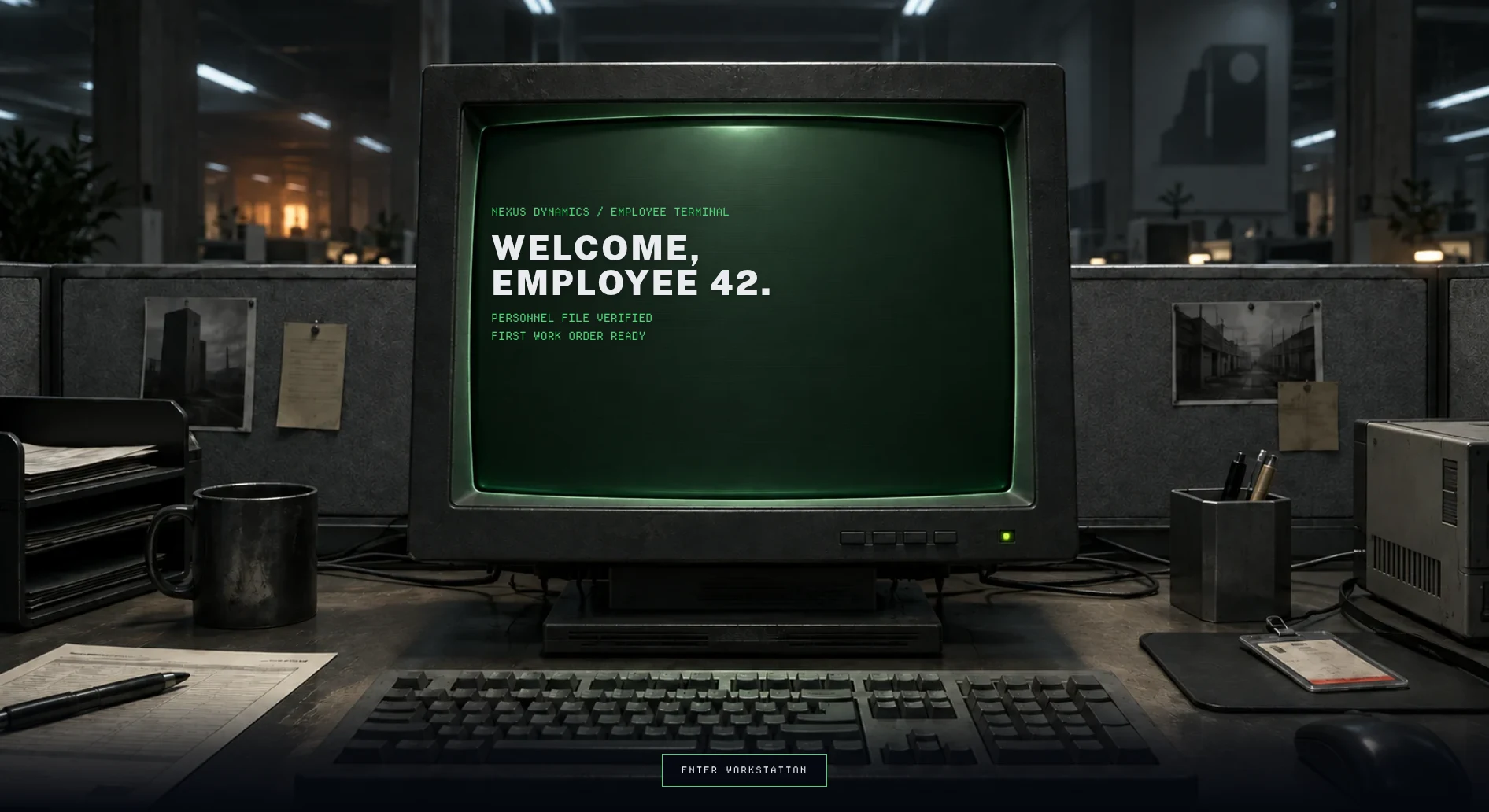
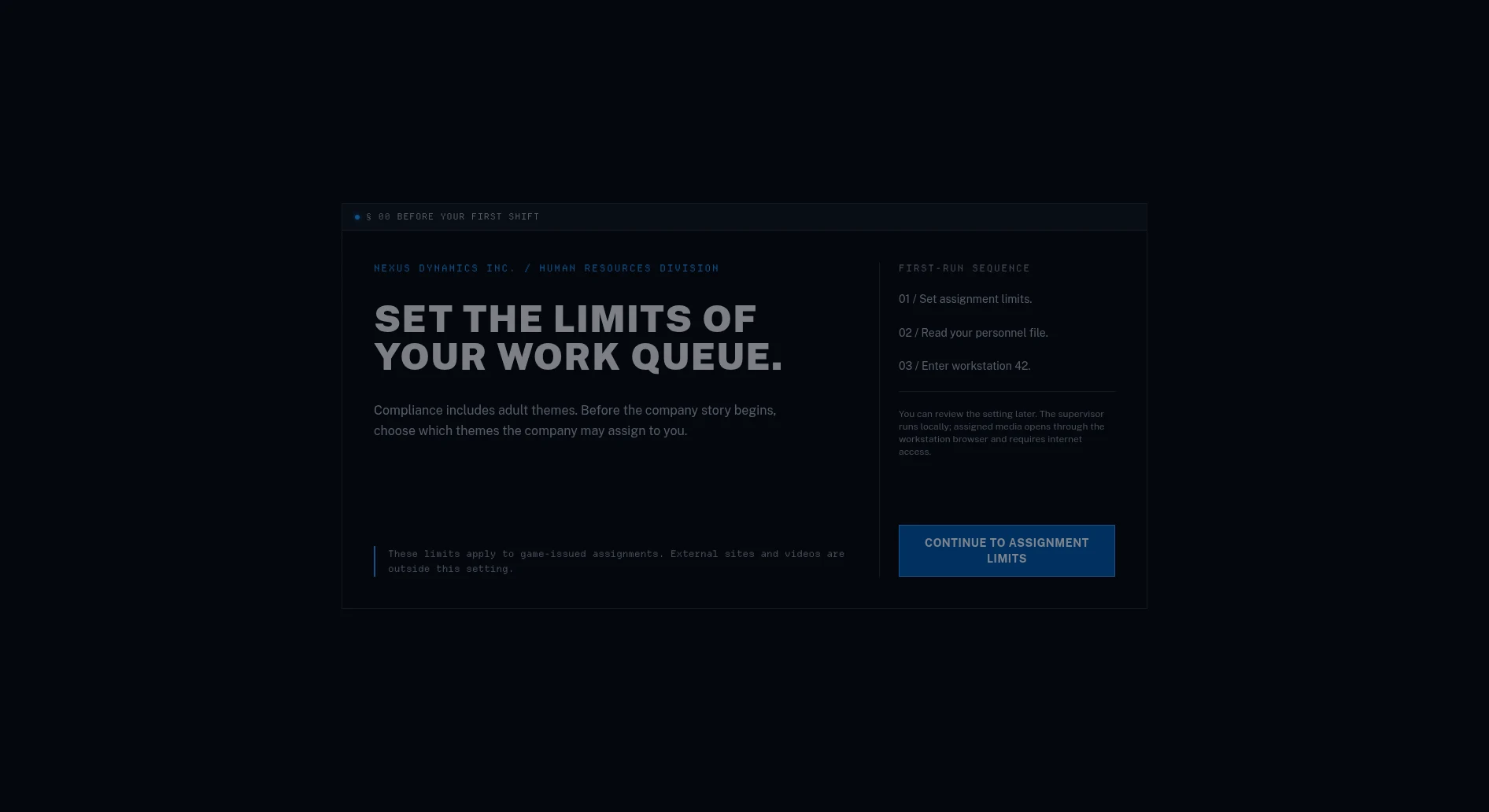
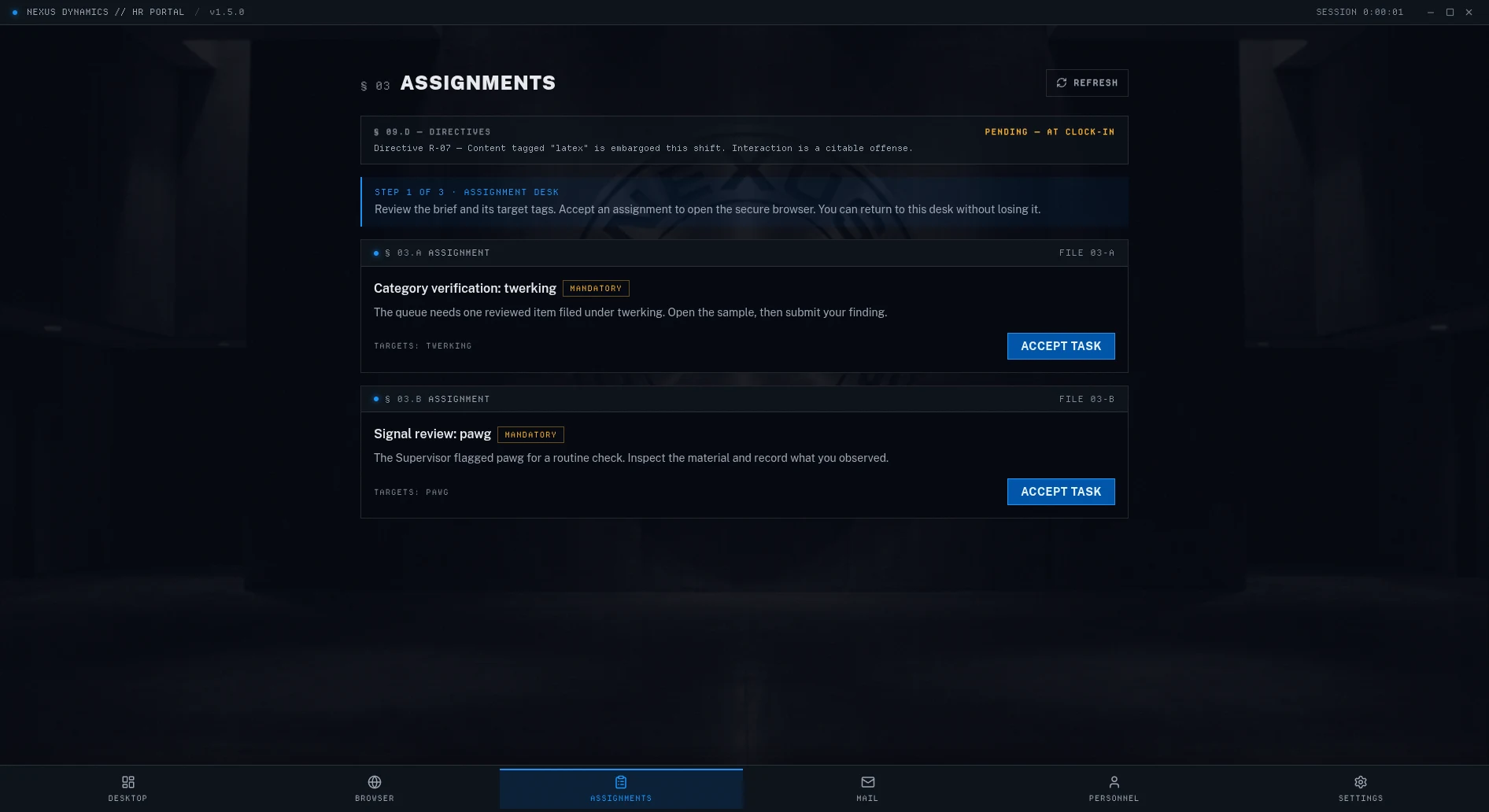
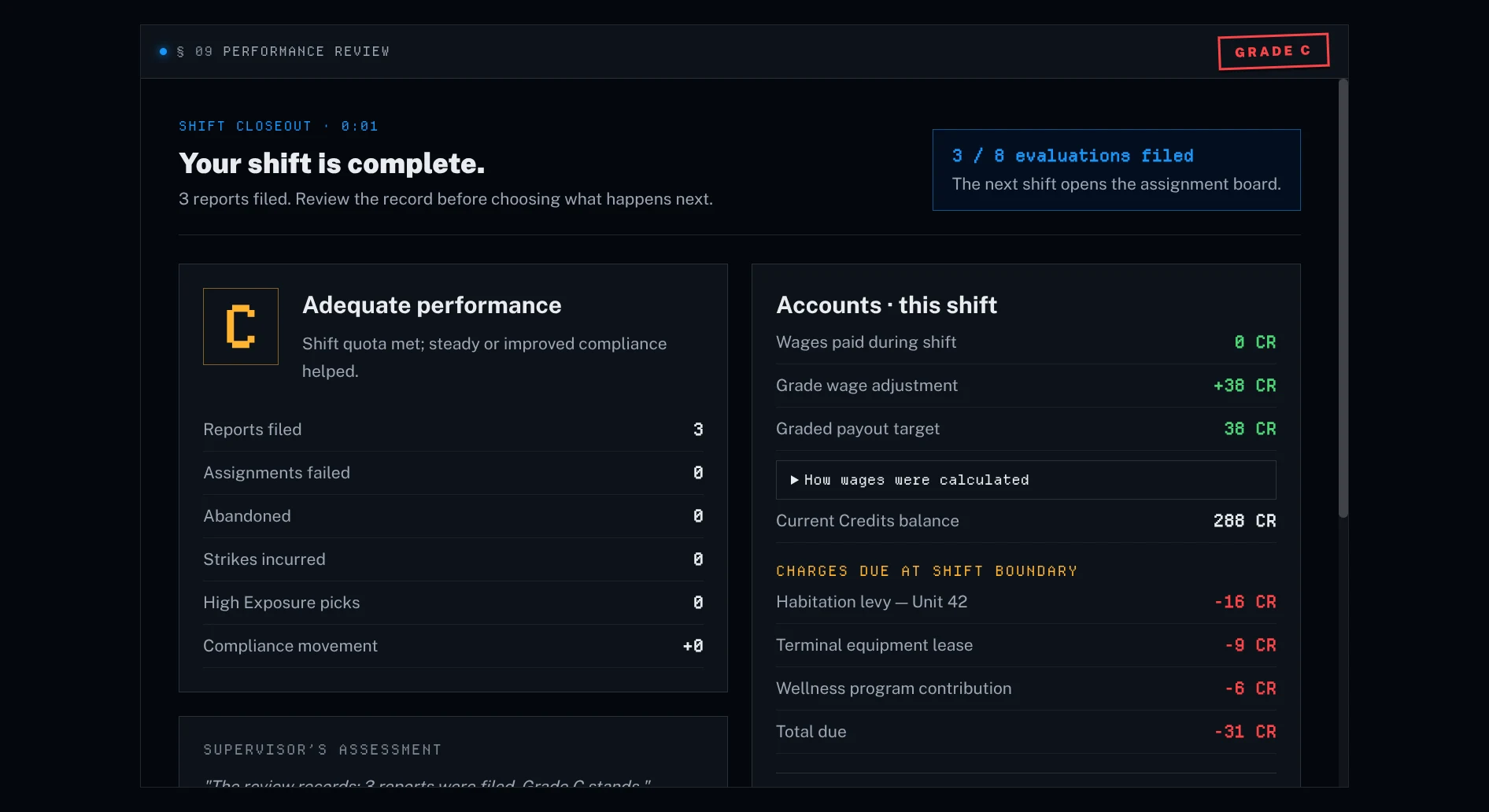
An adult dystopian workplace game for Windows, macOS, and Linux. You complete assignments in an integrated browser, work under company rules, and receive Performance Reviews. A local AI generates the Supervisor’s wording. The company is fictional; the external sites you browse are real.
§ 08.02
What does the supervisor actually do?
+
It generates assignments and responses using your content setting, progression, and recorded activity and answers. Game rules determine scores and unlocks. The AI supplies the wording, with fallback text when generation is unavailable. Further improvements to continuity across shifts are planned in the roadmap.
§ 08.03
What do I need to run it?
+
For the standard local setup: Windows 10 22H2 or newer, macOS 14 or newer on Apple Silicon, or Linux x86_64; 8 GB RAM; at least 5 GB free disk space; and an internet connection. First launch guides you through Ollama and a model download. Larger models need more space and memory. See the current Ollama requirements and the Workstation Requirements above.
§ 08.04
Why Patreon and not Steam or direct purchase?
+
Patreon handles the monthly membership and billing. Download and try eight completed assignments without an account, then subscribe and connect Patreon in the app to continue. Manage or cancel the subscription through Patreon. Check its current price and billing terms before subscribing.
§ 08.05
Is my data safe?
+
Your employee record, viewing history, and Supervisor interactions are stored locally by default. The app does not send gameplay analytics or sync your record to a cloud account. External websites receive your browser requests; setup, updates, optional membership verification, and submitted feedback also use the network. If you configure an AI service on another machine in Advanced settings, prompts go to that address. See § 08.10 for the breakdown.
§ 08.06
Does the local AI run all the time?
+
Text generation happens when the game requests it, such as for assignments, audits, and reviews. Ollama can remain running in the background between requests. Memory retention and power use depend on the model, your hardware, and your Ollama settings.
§ 08.07
How long is a task? A session?
+
A task is one assigned video watched to completion inside the app — as long or as short as the videos you pick. A shift chains several tasks and closes with a Performance Review, and you can stop between tasks. The free tier covers your first 8 completed assignments.
§ 08.08
What does the app see when I browse?
+
On supported pages in the integrated browser, it receives the page address, title, available tags, and playback progress. It also uses answers you submit in the game. Those records are stored locally by default; they are not a record of activity in your separate browser or other applications.
§ 08.09
Is my screen shared, recorded, or uploaded?
+
The Supervisor uses metadata from the integrated browser and the answers you submit, rather than a recording of your screen. Crash logs are kept locally. Feedback is sent when you submit it; optional diagnostic logs are included only if you choose to attach them.
§ 08.10
So what actually leaves my device?
+
The app contacts its download host for updates, Patreon if you connect your membership, and Ollama services during setup and model downloads. Submitted feedback includes the report and technical details; recent log lines are optional. Browsing connects directly to external sites. An AI service address configured in Advanced settings receives your prompts. Separately, this website records page views, download clicks, and Patreon-link clicks, including referral/campaign information and country. Website measurement does not include your in-game employee record.
§ 08.11
What happens if a content source is down?
+
Assignments that depend on an unavailable source may not load. Availability can depend on the site, your connection, and regional restrictions. The app reports source problems; you can also submit a report through Feedback & Support. The game cannot guarantee access to an external site.
§ 08.12
How do I report a bug?
+
In the app: Settings → Feedback & Support — app version and OS are attached automatically, the last 50 log lines only if you opt in. On this site: the Send Feedback button below. Prefer to dig yourself? Logs live at %APPDATA%\Compliance\logs\ on Windows, ~/Library/Logs/Compliance/ on macOS, ~/.config/Compliance/logs/ on Linux.
§ 08.13
My antivirus flags the installer as a trojan. Should I be worried?
+
Compliance is not code-signed, and some players have reported antivirus warnings. Downloads now use our dedicated dl.compliance-game.com address. A detection name or a small number of scanner detections does not, by itself, establish that a file is safe.
Keep your security protections enabled. If a download is flagged, leave it blocked while checking it. Send the detection name, app version, and download address through the feedback form below so the report can be investigated. Download from this site rather than an unofficial mirror.